Bring BACnet data, alarms, history and scheduling into Ignition. Add Application Generator where discovery and model generation support your engineering.
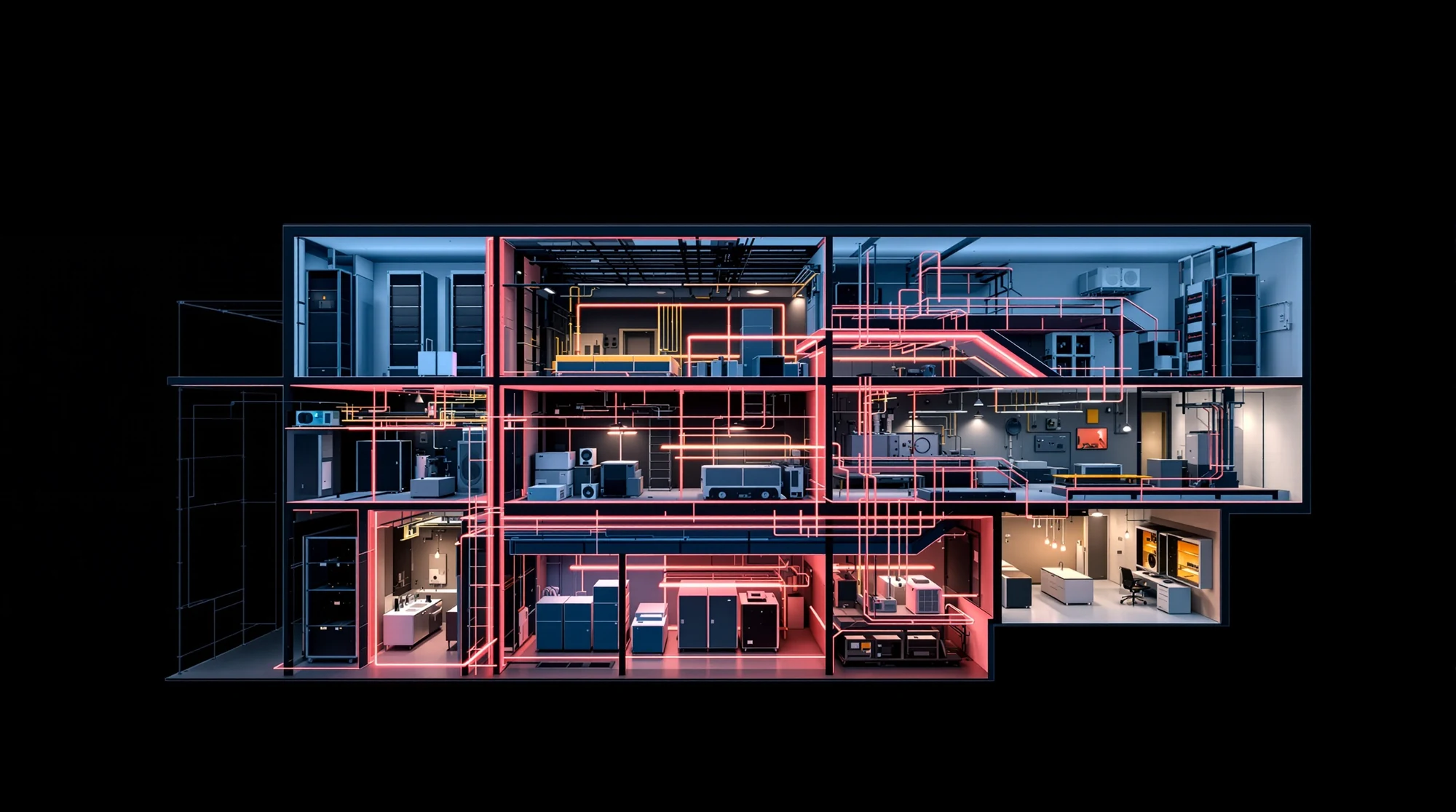
The building behind the dataConnectivity. Context. Engineering.Built for Builders.
Know what does what
Connectivity and engineering. Each has a job.
Start with what your project requires. Understand the BACnet connection first, then decide where discovery and application generation can support the engineering.
Connect / BACnet Plus
The building connection.
BACnet+ IP and BACnet+ SC bring building data, native alarms with acknowledgements, device history and scheduling into Ignition. Choose the transport that fits your network.
Use COV subscriptions and multiple-property reads.
Import TrendLog records with original timestamps.
Configure and deploy within Ignition.
Engineer / Application Generator
A structured starting point.
CXS Application Generator supports discovery and model generation. Give discovered data an equipment structure, then continue engineering your Ignition application.
Discover accessible devices and points.
Organize them around location and equipment.
Generate, review and complete the application work.
Ignition already has BACnet capabilities. The useful question is which additional CXS capabilities and engineering tools fit your project. Component selection and licensing belong in that conversation.
BACnet+ for Ignition
Building data. Alarms. History. Schedules.
Choose BACnet/IP or BACnet Secure Connect for the network your application needs.
Connectivity / Ignition
BACnet+ IP
BACnet+ IP by Relatech-CXS brings BACnet/IP building systems into Ignition with native integration for data acquisition, alarms, history, and scheduling. BACnet device alarms feed directly into Ignition’s alarm system, including acknowledgements, while the historian provider imports device TrendLog records with their original timestamps. Change-of-Value subscriptions and multiple-property reads support efficient data acquisition, with configuration and deployment managed within Ignition. Build applications that use the operational capabilities of your building systems—from live equipment values to device alarms and recorded history.
BACnet+ SC by Relatech-CXS brings BACnet Secure Connect building systems into Ignition through encrypted, certificate-based communication, with native integration for data acquisition, alarms, history, and scheduling. BACnet device alarms feed directly into Ignition’s alarm system, including acknowledgements, while the historian provider imports device TrendLog records with their original timestamps. Change-of-Value subscriptions and multiple-property reads support efficient data acquisition, with configuration and deployment managed within Ignition. Build applications around secure building connectivity while retaining access to equipment values, device alarms, schedules, and recorded history.
Follow one building-system example from device discovery to an application you can continue to build.
Find the starting material.
Explore the devices and points on an accessible BACnet network. Understand what is present before deciding how it belongs in the project.
Discovery depends on the network, devices and access available to the project.
Illustrative discovery result
Device 101BACnet device
Analog input 1Temperature
Analog input 2Pressure
Binary value 1Fan status
Give each point a place.
Organize the discovered data around a recognizable location and piece of equipment. A point becomes more useful when the application carries its context.
The equipment model should reflect the project’s engineering standards.
Illustrative equipment structure
Building AMechanical roomAir handler 01Supply-air temperatureStatic pressureSupply-fan status
Build on the structure.
Carry the equipment structure into Ignition engineering. Review the generated output, complete the project-specific work and test the resulting application.
Application Generator supports the engineering workflow; it does not replace application design or commissioning.
CXS demonstration in Ignition Designer. Existing demonstration capture; the screen is not a live connection.
This is an engineering sequence. Adding Application Generator does not, by itself, change the runtime architecture.
Begin with your requirements
What kind of project are you building?
The right starting point depends on the infrastructure you have and the work you need to do.
Existing infrastructure
Start with what is there.
Look at the available devices, the network and the equipment model you want to carry into Ignition.
Which devices and objects can you discover?
How should locations and equipment be organized?
What engineering work should the generated structure support?
No. BACnet Plus addresses connectivity; Application Generator supports discovery and model generation for engineering. Discuss the required components and their licensing for your particular project.
Does this replace the work of building an application?
No. The generated structure is a starting point. Project-specific application design, review, testing and commissioning remain part of the engineering work.
How do I check evaluation options and availability?
Contact the CXS team with your target Ignition version, BACnet requirements and project stage. Confirm current versions, evaluation access, licensing and support before planning an installation.
The next step
Bring us your building challenge.
Tell us what you are connecting, which Ignition version you are working with, and what you need to achieve.